
Pay Your Bill
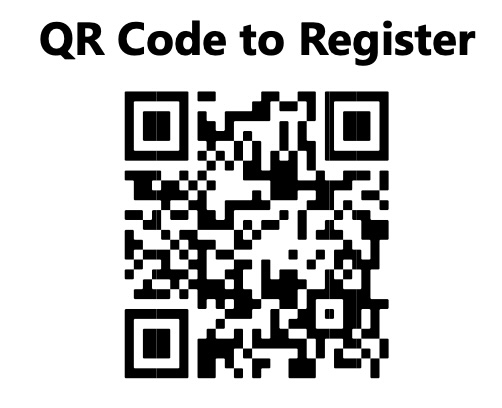
Paying your bill is easy with online payments through our payment partner, PointClickPay. You can view balances and pay conveniently from your mobile device or computer.
After you receive your first statement, follow these easy steps or watch the how-to video to register:
1. Use the QR Code to open the PointClickPay Registration page or go to epayments.pointclickpay.com in your web browser.
2. Click on “Register” at the top right of the page.
3. Enter your email and create a password, or use your Google account to sign-in.
4. If email was used, you will receive a confirmation email from PointClickPay.
5. You can begin to make payments with just three pieces of information about the resident: Name, Birthdate, and Account Number.
To access the how-to video, which will show you how to create an account, register a resident, and make a payment: scan the QR code below or go to
